Inventory Management Hardware: Features, Costs and Alternatives
Inventory management hardware is the physical layer that makes software accurate: the scanners, printers, labels and mobile devices that turn a count into a scan and a guess into a record. This guide explains what each piece of hardware does, how to choose it, a worked example of the payback, the buying mistakes that waste money, and how it all fits with the software running underneath.
Why hardware matters as much as software
The best inventory software in the world is only as accurate as the data fed into it. Type a quantity by hand and you will eventually fat-finger a digit; scan a barcode and the error rate collapses. Hardware is what makes receiving, picking, transferring and counting fast and reliable. It is the difference between an inventory system people trust and one they quietly work around. Treat hardware as part of the system, not an afterthought bought once the software is live.
The main categories of hardware
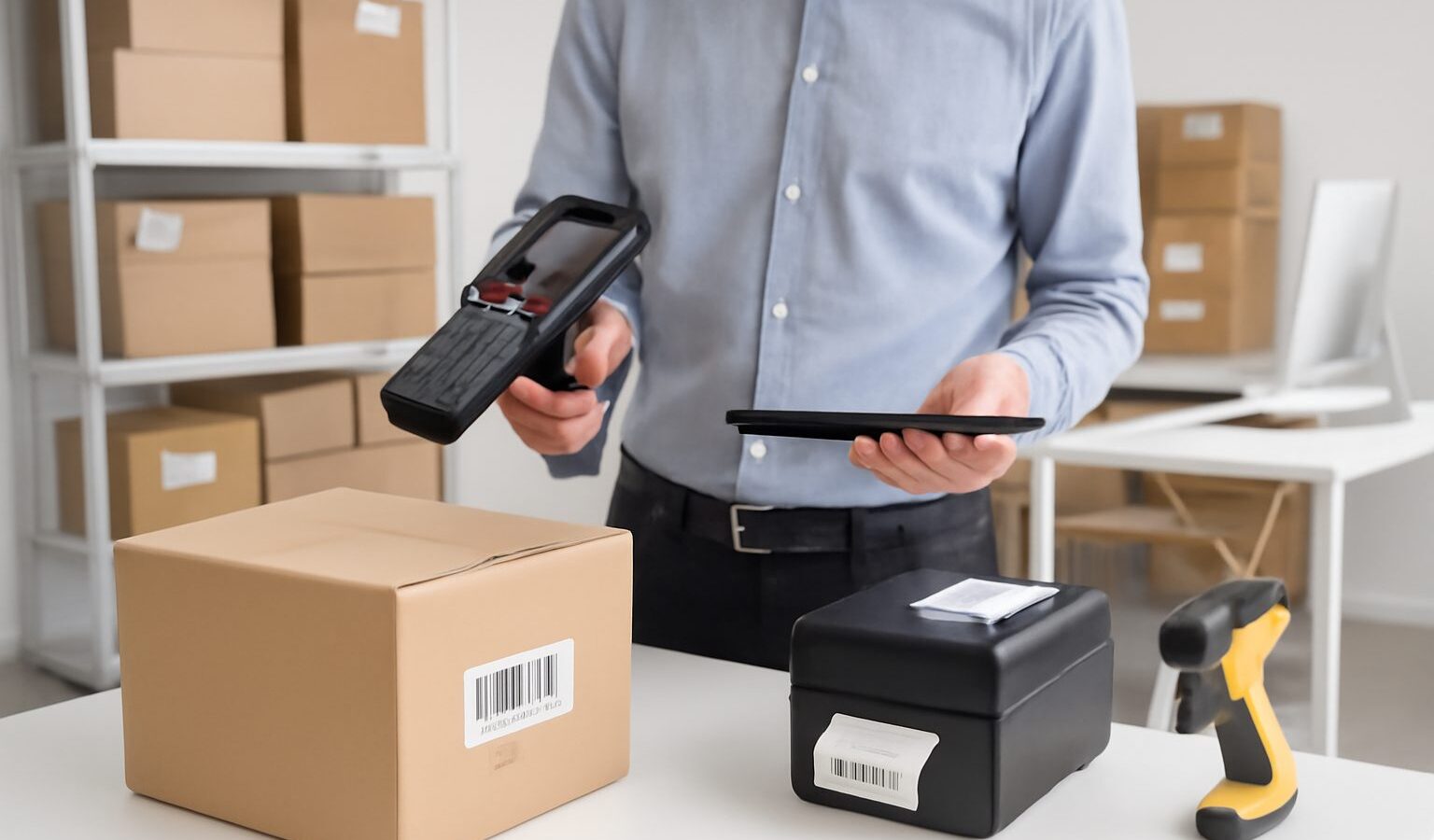
- Barcode scanners — handheld, wireless or fixed, for reading product codes at receiving, picking and till.
- Mobile computers and PDTs — rugged handheld devices that run the inventory app and scan in one unit, ideal for warehouse floors.
- Label and barcode printers — desktop or industrial, for producing your own SKU, bin and shipping labels.
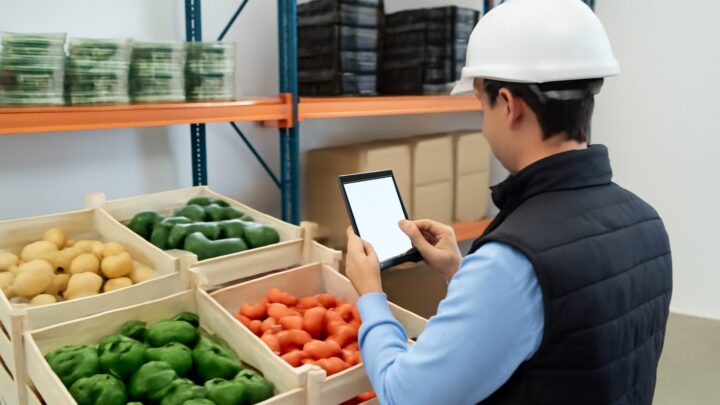
- Tablets and smartphones — a low-cost route: a phone camera plus an app can scan barcodes for smaller operations.
- RFID readers and tags — for bulk, no-line-of-sight scanning where speed at volume justifies the cost.
- Receipt and document printers — for picking lists, packing slips and despatch paperwork.
Barcode versus RFID
Most businesses run on barcodes: cheap, reliable and supported everywhere. A barcode must be seen by the scanner, one at a time. RFID tags can be read in bulk without line of sight — useful for fast stocktakes or high-volume apparel — but the tags and readers cost more, and not every product or margin justifies them. As a rule, start with barcodes and only consider RFID where the volume and the speed gain clearly pay for the tag cost. The decision is about your throughput, not about having the newest technology.
A worked example: the payback on a scanner
Suppose a small warehouse receives 40 deliveries a week, each with about 25 line items. Counting and keying by hand takes roughly 20 seconds per line; scanning takes about 5. That saves 15 seconds per line, or 375 seconds (just over 6 minutes) per delivery, and about 4 hours a week across all deliveries.
If a warehouse operative costs S$12 an hour, that is roughly S$48 a week, or about S$2,400 a year in recovered time — before counting the errors avoided. A capable handheld scanner might cost a few hundred dollars, so it pays for itself within weeks. The figures are illustrative, but they show why hardware is rarely the place to economise: the labour and accuracy gains usually dwarf the device price.
What it costs
Prices span a wide range. A basic wired barcode scanner is inexpensive; a rugged wireless mobile computer costs considerably more but survives a warehouse. Desktop label printers are modest; industrial printers cost more and run all day. RFID readers and tags sit at the top. Phones and tablets you may already own. The practical advice is to match the device to the environment: a cheap consumer scanner will fail fast on a busy floor, while an industrial unit is overkill behind a quiet retail counter. Budget for consumables too — labels and printer ribbons are an ongoing cost that is easy to forget.
Common mistakes when buying hardware
- Buying hardware before choosing software, then discovering the devices are not supported.
- Under-speccing for the environment — a consumer scanner in a busy warehouse breaks quickly.
- Over-speccing — paying for RFID or rugged units a small operation does not need.
- Forgetting consumables — labels, ribbons and charging cradles add up over time.
- Ignoring connectivity — buying devices that do not pair cleanly with your Wi-Fi or app.
- No spares — one broken scanner halting a whole receiving bay because there is no backup.
How to choose the right kit
Work backwards from your software and your environment. First confirm what hardware your inventory platform supports — a system that works with standard barcode scanners and phone cameras gives you the most flexibility and the lowest cost. Then match ruggedness to the setting: industrial units for warehouses, lightweight scanners or phones for retail and stockrooms. Buy at least one spare of any critical device, factor in consumables, and trial the full chain — scan, print, record — before rolling out across the team. The goal is a setup people reach for instinctively, not one they avoid.
The software underneath
Hardware is only half the system; the software decides what a scan means. A cloud inventory platform that supports standard barcode scanning and works on ordinary phones lets you start cheaply and scale hardware as you grow, rather than locking you into proprietary devices. Look for software that turns a scan into an instant, real-time stock movement across every location and channel — that is what makes the hardware investment pay off.
How WhiteBox helps
WhiteBox is built to work with standard inventory hardware: barcode picking and packing, scan-verified receiving and stocktakes, and a cloud platform you can run on ordinary devices, so you are not forced into expensive proprietary kit. Scans flow straight into a real-time stock figure shared across multiple warehouses and every sales channel, with unlimited users so each operative can have a device and a login. It goes live within an afternoon. Start a 14-day free trial via contact us, see pricing, or compare platforms in our best inventory management software in Singapore guide.
Frequently asked questions
What inventory management hardware does a small business actually need? Usually a barcode scanner (or a phone with a scanning app) and a label printer. Most small operations do not need rugged mobile computers or RFID until volume justifies them.
Should I buy hardware or software first? Choose the software first, then buy hardware it supports. Buying devices first risks ending up with kit your inventory platform cannot use.
Is RFID worth it? Only where bulk, no-line-of-sight scanning saves enough time to cover the higher tag and reader cost — typically high-volume apparel or fast stocktakes. Most businesses run fine on barcodes.
Can I use a smartphone instead of a dedicated scanner? Yes, for smaller operations. A phone camera with a compatible app scans barcodes well enough to start, and you can add dedicated hardware as volume grows.
How much should I budget for hardware? It varies with environment, from inexpensive wired scanners and desktop printers to rugged mobile computers and RFID at the top end. Remember to include consumables like labels and ribbons.
Related reading: Inventory Management Guide · Barcode Inventory Management Software · Inventory Software for Small Business with Scanner · Cloud-Based Inventory Management Software