Shopify POS Inventory Management: A Practical Guide and Alternatives
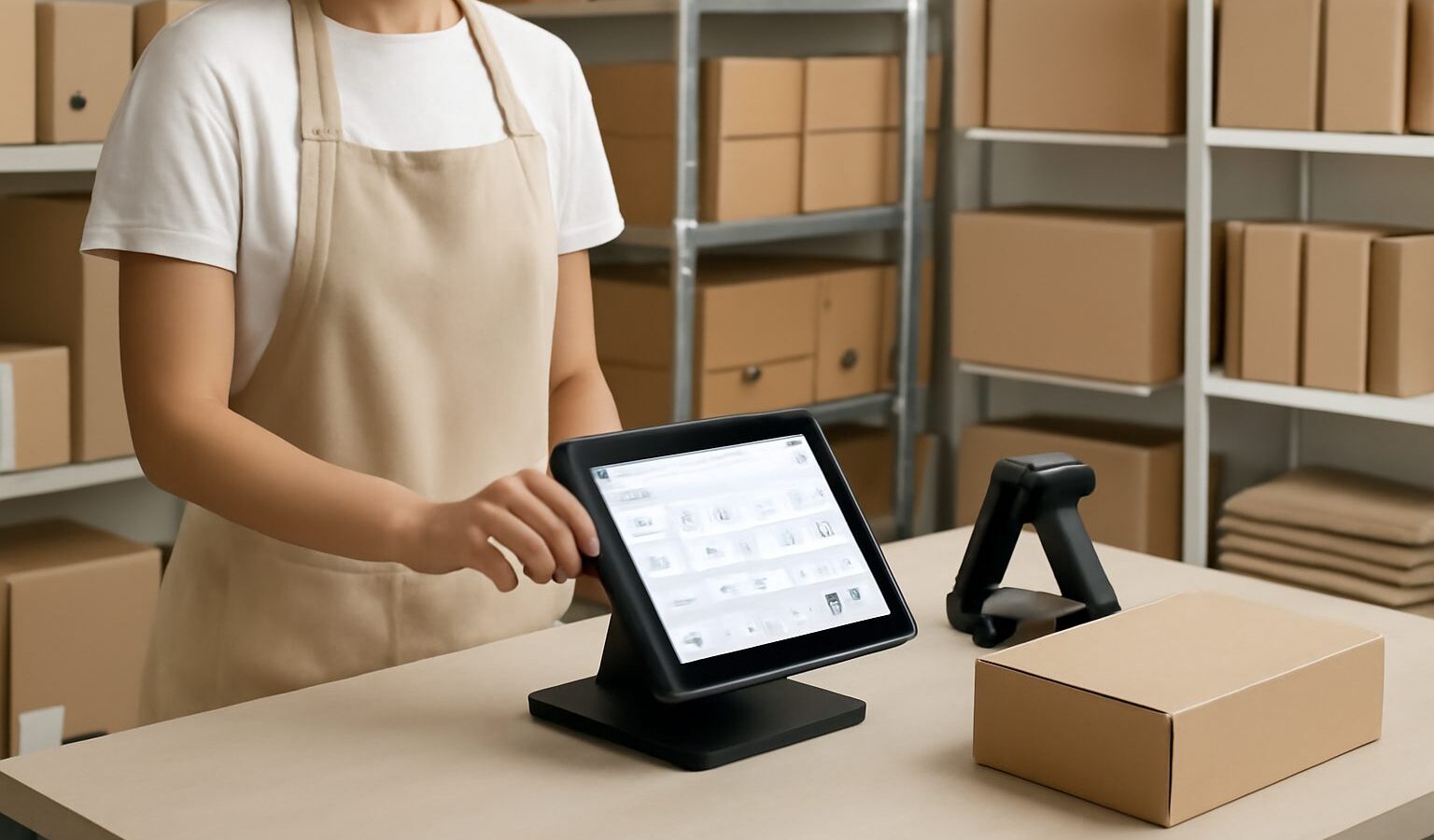
If you run a physical store alongside a Shopify website, Shopify POS inventory management is the system that keeps your in-store sales, online orders and back-room stock counts pointing at the same numbers. Done well, it stops you from selling the same pair of shoes twice. Done badly, it quietly drains margin through overselling, manual counts and stranded stock. This guide explains how Shopify’s built-in tools work, where they run out of road, and the alternatives worth considering when you outgrow them.
What Shopify POS inventory management actually does
Shopify POS is the point-of-sale layer that sits on top of your Shopify store. Every product you sell online lives in the same catalogue your cashier scans at the till, so a sale in either channel decrements the same inventory figure. For a single shop with one online store, this shared catalogue is genuinely useful — you set a stock count per location, and Shopify keeps it current as orders flow in.
The core capabilities most retailers rely on are: tracking stock by location, assigning inventory to a physical store versus a warehouse, basic stock adjustments, and low-stock notifications. You can also transfer stock between locations and run a stocktake from the admin. For a small operation, that covers the essentials.
How stock sync works across till and website
Shopify treats each store, stockroom and warehouse as a “location”. When you assign inventory to locations, the storefront can be told to draw down from specific ones. A till sale and a web order both reduce the count at the location fulfilling that order. The mechanics are reliable for Shopify-native channels, and the sync is effectively real time within the Shopify ecosystem.
The friction begins when stock lives outside Shopify — on Lazada, Shopee, TikTok Shop, Amazon, or in a 3PL’s warehouse system. Shopify does not natively keep those marketplaces in lockstep with your till. That gap is where most overselling happens for Singapore retailers, because so much volume now runs through regional marketplaces rather than the brand’s own website.
A worked example: the double-sell that costs you a sale
Imagine a Singapore boutique with one outlet and one Shopify store, plus a Shopee shop. They hold 4 units of a popular linen shirt. A customer buys 3 at the till on Saturday afternoon. Shopify POS drops the count to 1 instantly on the website — good. But the Shopee listing still shows 4, because it is updated by a separate app on a 15-minute cycle.
Within that window, two Shopee shoppers each order 2 units. Now the retailer has sold 4 units they no longer have. They cancel one order, refund the customer, eat a Shopee performance penalty, and lose the repeat buyer. The root cause was not Shopify POS itself — it handled the till and web perfectly — but the absence of a single real-time source of truth across every channel. Multiply that by dozens of fast-moving SKUs and the leakage is material.
Where Shopify POS inventory management falls short
- Marketplace sync: No native, real-time stock sync to Lazada, Shopee, TikTok Shop or Amazon. You bolt on apps, each with its own refresh delay.
- Warehouse depth: Limited barcode picking, no true pick-and-pack workflow, and basic transfer logic. Fine for a stockroom, thin for a real warehouse.
- Forecasting: Reporting is sales-led, not demand-led. There is little built-in help deciding what to reorder and when.
- Per-location pricing rules and tiers: Wholesale and distributor scenarios quickly exceed what POS handles cleanly.
- Costs at scale: Advanced Shopify plans and POS Pro per-location fees add up, and the app stack you bolt on adds more.
When Shopify POS is enough — and when to look further
Shopify POS inventory management is the right call when you sell mainly through your own Shopify storefront and one or two physical outlets, with modest marketplace exposure. The shared catalogue, location tracking and POS Pro features will serve you well, and there is little reason to add complexity.
You should look further when more than a small share of revenue runs through marketplaces, when you operate several outlets or a warehouse, or when overselling and manual reconciliation are already costing staff time every week. At that point you want an inventory platform that sits above Shopify and treats it as one of several channels — not the centre of the universe.
Alternatives and how they compare
The market splits into three rough tiers. At the entry level, apps that extend Shopify add marketplace sync but inherit Shopify’s data model. At the heavy end, ERPs such as Cin7 Core (around US$349–999/month at the time of writing, June 2026) and Unleashed (from around US$399/month) offer deep functionality but cost more and demand longer implementations. In the middle sit purpose-built multi-channel inventory tools designed for Southeast Asian sellers.
| Option | Best for | Marketplace sync | Indicative cost |
|---|---|---|---|
| Shopify POS alone | Single store + Shopify web | Native to Shopify only | Shopify plan + POS Pro |
| Cin7 Core / Unleashed | Larger distributors, manufacturing | Yes, via connectors | ~US$349–999+/mo |
| Zoho Inventory | Budget multi-channel | Yes, selected channels | Free then ~US$39/user/mo |
| WhiteBox | SG/SEA multi-channel retail | Real-time across major channels | From S$49/mo |
Competitor pricing and features are accurate at the time of writing (June 2026) and should be verified before you buy.
Common mistakes retailers make
- Treating Shopify as the single source of truth when half of sales come from marketplaces it does not natively control.
- Stacking several sync apps with different refresh intervals, creating conflicting counts no one fully trusts.
- Skipping a regular cycle count because “the system tracks it” — software only stays accurate if the physical reality matches what it was told.
- Buying a heavyweight ERP for a problem that is really about channel sync, then paying for modules you never switch on.
- Ignoring buffer stock settings, so the last unit sells across two channels in the same minute.
How WhiteBox helps
WhiteBox sits above Shopify and keeps your stock in real time across Shopify, Lazada, Shopee, Amazon and TikTok Shop, so a till sale, a web order and a marketplace order all draw from one count. You get multi-warehouse stock and transfers, barcode picking and packing, a unified order queue, plus forecasting and reporting — with unlimited users and an open API. For a Shopify retailer expanding into marketplaces or extra outlets, it removes the overselling that the POS layer alone cannot prevent. Pricing starts from S$49 (about US$38) a month, with a 14-day free trial and setup that is usually live within an afternoon. See pricing or start a free trial to test it against your own catalogue.
Frequently asked questions
Does Shopify POS sync inventory with my online store automatically? Yes. Within the Shopify ecosystem, till and web sales draw down the same location-level stock in real time. The gap is with non-Shopify channels like Shopee and Lazada.
Can Shopify POS manage stock across multiple store locations? Yes, Shopify supports multiple locations with per-location counts and transfers. For deeper warehouse workflows and barcode picking, a dedicated inventory platform does more.
Why am I overselling even though I use Shopify POS inventory management? Usually because marketplace listings update on a delay through bolt-on apps rather than in real time. A unified inventory layer above all channels fixes this.
Do I need to replace Shopify to use a tool like WhiteBox? No. WhiteBox connects to Shopify and adds real-time multi-channel sync, warehouse features and forecasting on top of it.
Is an ERP overkill for a small Shopify retailer? Often, yes. If your real problem is channel sync and stock accuracy, a focused multi-channel inventory tool is usually faster and cheaper than a full ERP.
Related reading: Best inventory management software in Singapore, multi-channel selling guide, inventory management software for multiple locations, and Shopify warehouse management system.