QuickBooks POS Replacement: A Practical Guide and Alternatives
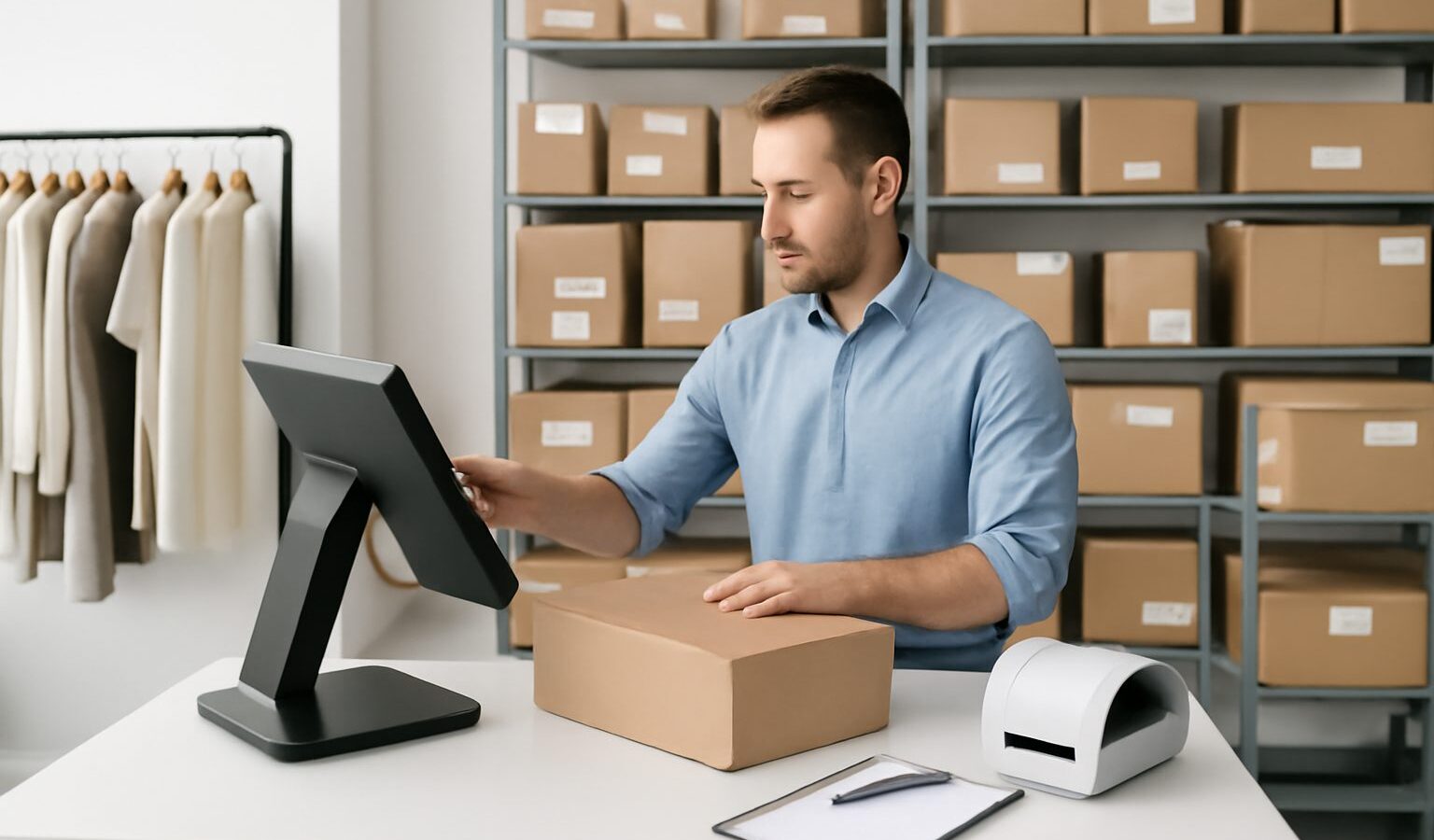
With Intuit having discontinued QuickBooks Desktop Point of Sale, many retailers are now hunting for a QuickBooks POS replacement that keeps their sales, stock and accounting working together. This guide explains what changed, what to look for in a replacement, how to think about the inventory side specifically, and the alternatives worth considering for retailers in Singapore and Southeast Asia.
Why retailers need a QuickBooks POS replacement
QuickBooks Desktop Point of Sale was Intuit’s in-store POS product, bundling sales, payments and basic inventory with a link to QuickBooks accounting. Intuit ended sales and support for the product, which means no further updates or official support and growing risk around payments and security over time. Retailers who relied on it now need a replacement that covers checkout, inventory and the accounting handoff, ideally without losing their product and customer data.
The good news: the market has matured, and modern cloud tools often handle inventory and multi-channel selling far better than the old desktop product ever did.
What to look for in a replacement
- Point-of-sale checkout that suits your counter and hardware.
- Strong inventory management: real-time stock, reorder points, multi-location support.
- Multi-channel selling if you sell online as well as in store.
- Accounting integration so sales and stock movements flow to your books.
- Clean migration for your products, suppliers and customers.
- Sensible pricing without per-seat penalties as you add staff.
Splitting POS from inventory
A key realisation for many retailers is that POS and inventory are two jobs, and the best results often come from a dedicated POS for the counter paired with a dedicated inventory platform behind it. The POS handles the sale; the inventory platform owns the single source of truth for stock across the shop floor, the stockroom and any online channels. This separation means you are not locked into whatever inventory limits a POS happens to ship with, and you can grow your online business without re-platforming your checkout.
A worked example: migrating cleanly
Take “Orchard Pantry”, a Singapore specialty grocer that ran QuickBooks Desktop POS for in-store sales and is now adding a Shopify shop and a Lazada storefront. Their challenge is not just a new till; it is keeping one accurate stock figure across the counter and two online channels.
They choose a modern POS for checkout and pair it with a dedicated inventory platform as the source of truth. Migration runs in stages (an illustrative, hypothetical sequence): first they export and clean their product list and supplier records; then they import opening stock counts; then they connect the POS and both online channels to the inventory platform so every sale, in store or online, decrements the same live figure. The accounting integration posts daily sales summaries to their books. The result is fewer manual reconciliations and no more selling the last jar of jam twice.
Planning the transition timeline
A POS replacement is as much a project as a purchase, and giving it a realistic timeline prevents the panic switch that loses data. Treat the migration in three phases. First, preparation: export your products, suppliers and customers, deduplicate SKUs, and reconcile your current stock counts so you start clean. Second, parallel running: stand up the new POS and inventory platform alongside the old system for a short, bounded period, ideally during a quieter trading week, so you can compare figures and catch any gaps before you rely on it. Third, cutover and review: switch fully, then watch your first weeks of reports closely to confirm that sales post correctly to accounting and that stock decrements as expected across every channel. Build in time for staff training at each phase; even an intuitive system needs a short briefing so the counter team is confident on day one. Rushing any of these phases is the single most common way retailers end up with mismatched stock and bruised customer trust after a switch.
Common mistakes when replacing QuickBooks POS
- Replacing like-for-like. Do not just find another desktop POS; reassess whether cloud and multi-channel now matter to you.
- Migrating dirty data. Duplicate SKUs and stale counts will follow you into the new system. Clean first.
- Ignoring online channels. If you plan to sell online, choose tools that sync stock natively, not via manual exports.
- Forgetting the accounting handoff. Confirm how sales and inventory adjustments reach your books before you switch.
- Rushing the cutover. Run the new system alongside the old for a short period to catch gaps.
Alternatives and how they fit
- WhiteBox — as the inventory source of truth behind your chosen POS, with real-time multi-channel sync for Southeast Asian sellers.
- Cloud POS systems — for modern in-store checkout and payments.
- Zoho Inventory — budget inventory option (free tier, paid from about US$39 per user per month at the time of writing).
- Cin7 Core — mid-market inventory with retail features (from roughly US$349 per month at the time of writing).
How WhiteBox helps
WhiteBox is the inventory backbone for retailers moving on from QuickBooks POS. It provides one real-time source of truth for stock across your shop floor, stockroom and online channels, with multi-warehouse stock and transfers, barcode picking and packing, a unified order queue, and real-time sync across Shopify, Lazada, Shopee, Amazon and TikTok Shop, plus forecasting, reporting and an open API to connect your POS and accounting. With unlimited users from S$49 (about US$38) per month and a 14-day free trial, you can be live within an afternoon. See pricing or start a free trial.
Frequently asked questions
Why do I need a QuickBooks POS replacement? Intuit discontinued QuickBooks Desktop Point of Sale, so it no longer receives updates or official support. A replacement keeps your checkout, inventory and accounting working safely together.
Can I keep using QuickBooks accounting? Yes. You only need to replace the POS and inventory side; a good replacement still integrates with accounting software for your books.
Should the replacement do both POS and inventory? Often the best setup is a dedicated POS for checkout paired with a dedicated inventory platform as the source of truth, especially if you sell online too.
How do I migrate my data? Export and clean your products, suppliers and customers, then import them in stages and reconcile opening stock counts before going live.
Does WhiteBox replace my till? WhiteBox is the inventory platform behind your POS rather than the checkout itself. It syncs stock across in-store and online channels and connects to your POS and accounting via its open API.
Related reading: Best Inventory Management Software in Singapore, Inventory Management Software for Retail, The Multi-channel Selling Guide, Inventory Management System Explained.