Inventory Management Labels: Barcodes and Best Practices
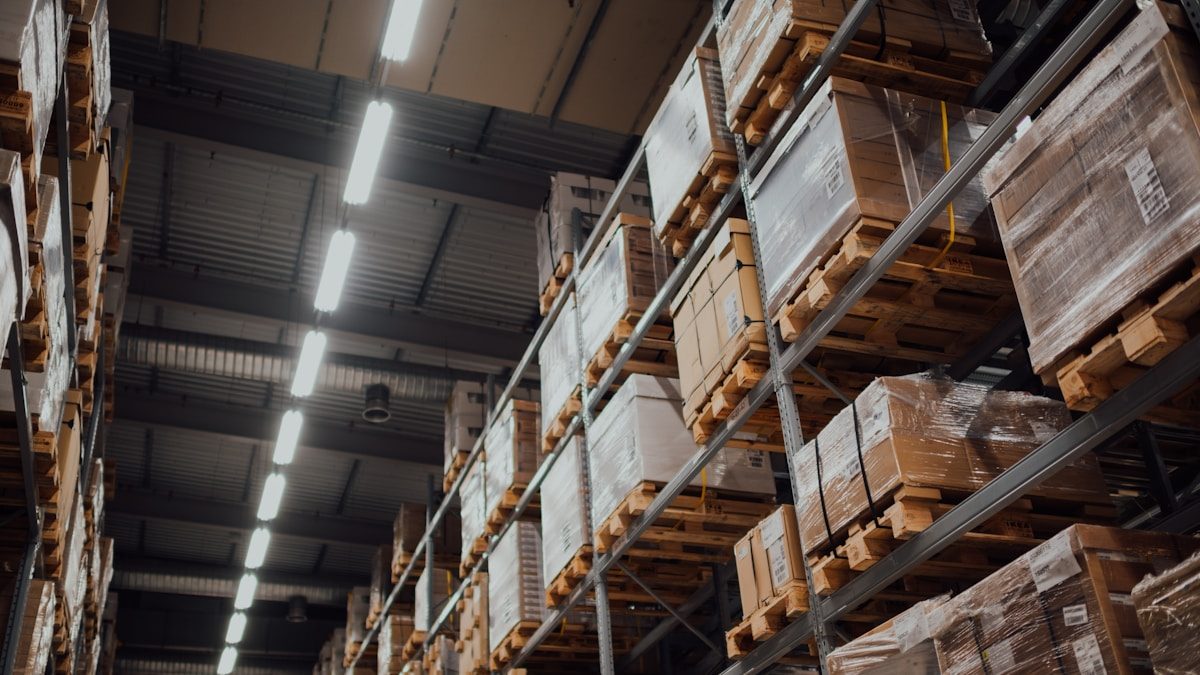
Inventory management labels are the small printed tags that make accurate stock control possible. A good label turns a guess into a scan: it tells your system exactly what an item is, where it lives, and sometimes which batch it belongs to. This guide covers the barcode types worth knowing, label materials and durability, what to print on a label, how to label locations and bins, and the best practices that keep your data clean as you grow.
Why labels matter more than people expect
Manual stock entry is slow and error-prone. Reading a code off a box and typing it invites mistakes, and those mistakes ripple: a mis-keyed SKU throws off counts, picks the wrong item, and erodes trust in the whole system. Inventory management labels remove that risk. A scan captures the right code in a fraction of a second, every time, and lets staff confirm the item rather than rely on memory.
Labels also unlock the warehouse disciplines that depend on scanning, guided picking, fast receiving, cycle counts and traceable transfers. Without reliable labels on both products and locations, none of those workflows reach their potential.
Barcode types you should know
Not all barcodes are equal. The right choice depends on what you encode and how much space you have.
| Type | Format | Best for |
|---|---|---|
| EAN/UPC | 1D, retail standard | Retail products with a manufacturer barcode |
| Code 128 | 1D, compact | Internal SKUs, serial and batch data |
| Code 39 | 1D, simple | Older systems and asset tags |
| QR code | 2D, high capacity | Encoding more data or linking to records |
| Data Matrix | 2D, very small | Tiny items where space is tight |
For most warehouses, a 1D code such as Code 128 for internal SKUs plus the manufacturer’s EAN/UPC where it exists covers the bulk of needs. Reach for 2D codes when you must pack more data into a small space or store batch and serial details.
What to print on an inventory label
A label should be scannable first and human-readable second. The barcode does the work, but printed text helps staff sanity-check and handle exceptions. A practical product label usually includes:
- The barcode, sized and positioned for reliable scanning.
- The SKU or item code in plain text below the barcode.
- A short description so a human can confirm at a glance.
- Batch or expiry details where the product needs traceability.
- Optionally a variant marker such as size or colour.
Resist the urge to cram everything on. A cluttered label is harder to scan and slower to read. Keep it clean and let the system hold the full record.
Label materials and durability
A label is only useful while it stays attached and legible. Match the material to the environment:
- Paper labels are cheap and fine for dry indoor storage and fast-moving stock.
- Synthetic labels (polypropylene or polyester) resist moisture, abrasion and handling, suiting cold storage, freezers or rough environments.
- Adhesive choice matters: permanent adhesive for fixtures and bins, removable for short-lived or returnable items.
- Thermal printing comes in two kinds: direct thermal labels fade over time and suit short-lived applications, while thermal transfer prints last far longer and resist heat and light.
For bin and location labels that must survive years of handling, durable synthetic stock with strong adhesive pays for itself by not needing replacement.
Location and bin labelling
Many businesses label products but forget locations, which is half the value left on the table. Labelling every bin, shelf and zone lets staff scan a location to confirm where they are putting away or picking from, which prevents stock drifting to the wrong spot.
A clear location scheme, for example aisle, bay, level and bin, makes the warehouse navigable and supports guided picking. Print location labels on durable stock, place them at a consistent eye-line, and keep the numbering logical so a new starter can find a bin from its code alone.
A worked example: setting up labels for a new SKU range
The steps below show a realistic, illustrative workflow rather than measured results.
Suppose you are introducing 50 new SKUs. First, generate internal SKU codes in your inventory system and assign each a Code 128 barcode. Where products already carry a manufacturer EAN, record that too so either code scans to the same item. Next, choose label stock, paper for the dry shelf storage these items will live in, and a 50mm by 25mm size that fits the packaging. Print a test sheet and scan every label with the device staff will actually use, checking for clean reads at arm’s length.
Then assign each SKU a home bin, print durable location labels for those bins, and do a dry run: scan the location, scan the product, confirm the system links them. Only once the test batch scans cleanly do you print the full run. This catch-it-early approach avoids reprinting hundreds of faulty labels.
Common mistakes to avoid
- Barcodes printed too small or too dense. If the scanner struggles, the whole point is lost. Test real reads before a full print run.
- Wrong material for the environment. Paper in a freezer or damp area peels and smudges. Match stock to conditions.
- Labelling products but not locations. Without bin labels, putaway and picking lose half their accuracy.
- Inconsistent placement. Labels in different spots on each item slow scanning. Standardise position.
- Direct thermal where longevity matters. Those labels fade; use thermal transfer for anything long-lived.
- Reusing or duplicating codes. Every SKU and location needs a unique code, or scans become ambiguous.
How WhiteBox helps
WhiteBox is built around barcodes from end to end. You can manage SKUs and generate the codes your inventory management labels carry, then scan those labels for barcode picking and packing, receiving and stock counts. Because it supports multi-warehouse stock with bin-level locations, labelling your bins lets staff scan both item and location for accurate putaway and picking, with everything updating in real time. With unlimited users, every picker can scan on their own device, and pricing starts from S$49 (about US$38) a month with a 14-day free trial. Start a free trial or see the inventory features to plan your labelling.
Frequently asked questions
Which barcode type should I use? For most warehouses, Code 128 for internal SKUs plus the manufacturer’s EAN/UPC where it exists covers the bulk of needs. Use 2D codes such as QR or Data Matrix when space is tight or you need to store more data.
What should an inventory label show? The scannable barcode first, then human-readable text: the SKU, a short description, and batch or expiry details where traceability matters. Keep it uncluttered so it scans reliably.
Paper or synthetic labels? Paper suits dry indoor storage and fast-moving stock. Choose synthetic stock with strong adhesive for cold storage, damp conditions or labels that must survive years of handling, such as bin labels.
Do I need to label locations as well as products? Yes. Labelling bins and shelves lets staff scan a location to confirm where they put away or pick from, which prevents stock drifting to the wrong place and supports guided picking.
Why do my labels fade over time? That is typical of direct thermal printing. For anything long-lived, use thermal transfer printing, which resists heat and light and keeps barcodes scannable for far longer.
Related reading: Inventory Management Guide, Inventory Tracker, How to Keep Track of Inventory, Mobile Warehouse Management.